


Nuestro equipo especializado responderá a cualquier pregunta o consulta que puedes tener en manera rapida y completa.
Plantillas profesionales de joomla premium y gratis
Las mejores plantillas joomla 3.9
Creamos las mejores plantillas de Joomla para darte todo lo que necesitas para crear tu propio sitio web tan único como tú.
- Compatibility: Joomla 6, 5, 4, 3
- J 3
- J 4
- J 5
- J 6
- Updated On: 17 Septiembre 2026
- Version: 5.3.6
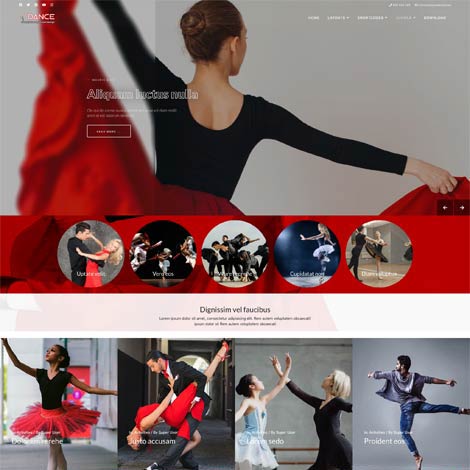
- Plantilla Joomla Dance es la solución ideal para sitios web relacionados con clases de baile, ballet, baile contemporáneo, clubes latinos y de salsa, hip-hop, street dance, estudio de yoga y cualquier tipo de clubes de baile.
Ol Dance Plantilla Joomla

- Compatibility: Joomla 6, 5, 4, 3
- J 3
- J 4
- J 5
- J 6
- Updated On: 22 Julio 2026
- Version: 5.3.3
- La plantilla Ol Yotex es adecuada para sitios web de educación infantil como guarderías y escoletas. Esta plantilla cuenta con varias características que harán que sea fácil crear tu propio sitio web para escoletas.
Plantilla Joomla para escoletas
- Compatibility: Joomla 6, 5, 4, 3
- J 3
- J 4
- J 5
- J 6
- Updated On: 02 Octubre 2026
- Version: 5.3.5
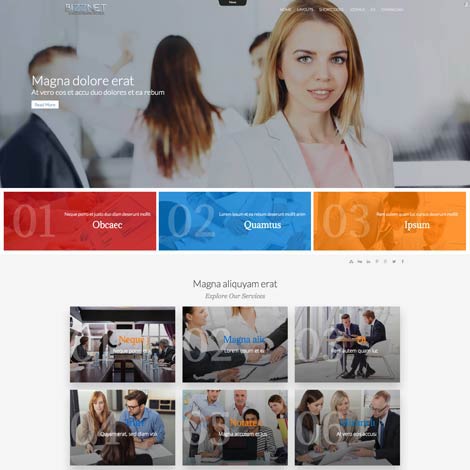
- Ol Bizznet es una plantilla moderna que se adapta para crear un sitio web de empresa. Esta plantilla será un gran aliado para empresas, agencias comerciales y digitales, start-ups, asesores financieros y empresas que quieren sitios web modernos e intuitivos. Es totalmente adaptativo y se adapta a cualquier tipo de navegador y resolución de pantalla.
Plantilla de Asesor Financiero

- Compatibility: Joomla 6, 5, 4, 3
- J 3
- J 4
- J 5
- J 6
- Updated On: 22 Julio 2026
- Version: 5.3.3
- Yogui - La plantilla Joomla de estudio de yoga es ideal para cualquier centro de yoga, gimnasio, terapia de masajes, así como retiro de yoga, centro de spa, cursos de yoga, talleres de yoga, centro de bienestar físico y mental, etc. Esta plantilla Joomla tiene un diseño moderno y único y es muy fácil de personalizar.
Plantilla Joomla para estudio de yoga

- Compatibility: Joomla 6, 5, 4, 3
- J 3
- J 4
- J 5
- J 6
- Updated On: 02 Octubre 2026
- Version: 5.3.5
- Plantilla Joomla de noticias creada con periódicos en línea, noticias en línea, agencias de noticias y sitios web de portales.
Plantilla Joomla de noticias
- Compatibility: Joomla 6, 5, 4, 3
- J 3
- J 4
- J 5
- J 6
- Updated On: 02 Octubre 2026
- Version: 5.3.5
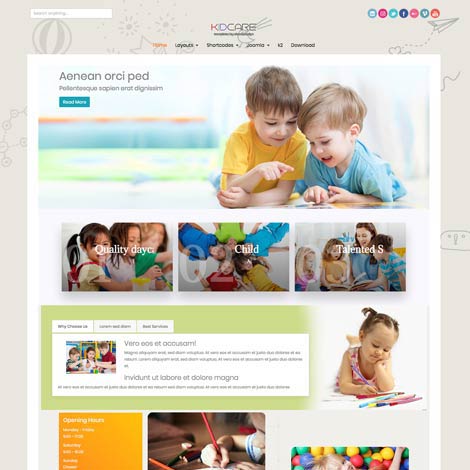
- Ol Kidcare: plantilla Joomla de guarderías diseñada para sitios web relacionados con niños como colegios, cuidado de niños, guarderías, preescolares, escuelas infantiles y todas las instalaciones para niños pequeños. Construido con Bootsrap 5, esta hermosa plantilla de guarderías para Joomla puede ajustarse fácilmente de acuerdo a tus necesidades y puede utilizarse para muchos propósitos. La configuración de plantillas te permite una personalización rápida y sencilla del fondo y los colores del texto, cambiar el diseño del sitio web, etc. Es una plantilla perfecta para crear sitios web de guarderías y colegios en cuestión de segundos.
Plantilla Joomla para jardín de infantes y guarderías
- Compatibility: Joomla 6, 5, 4, 3
- J 3
- J 4
- J 5
- J 6
- Updated On: 20 Julio 2026
- Version: 5.3.3
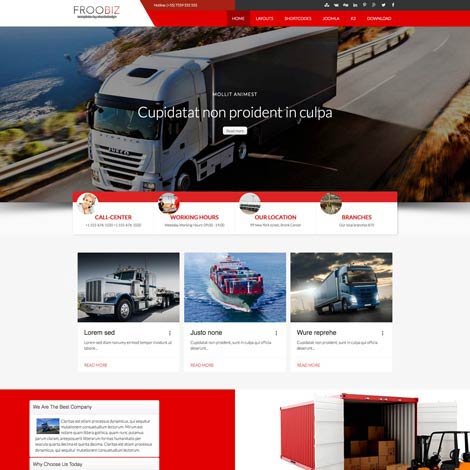
- Ol Froobitz es la plantilla ideal para diseñar sitios web para empresas de logística, carga, camiones y transporte. Es una plantilla joomla totalmente adaptativa y por lo tanto optimizada para dispositivos móviles.
Plantilla Joomla para empresas logísticas
Las Plantillas Joomla mas recientes

- Compatibility: Joomla 6, 5, 4
- J 4
- J 5
- J 6
- Updated On: 10 Septiembre 2026
- Version: 4.3.7
- Costruzione plantilla de Joomla puede ofrecer a su empresa las herramientas necesarias para atraer clientes y mostrar sus proyectos de manera eficaz.
Plantilla de Joomla para construcción.
- Compatibility: Joomla 6, 5, 4
- J 4
- J 5
- J 6
- Updated On: 02 Agosto 2026
- Version: 5.1.1
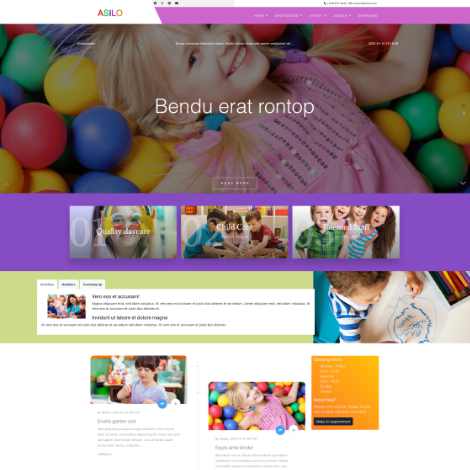
- Tu jardín de infancia necesita una página web atractiva, y nuestra plantilla Asilo para Joomla te ayudará a crearla.
Plantilla Joomla para jardín de infancia.
- Compatibility: Joomla 6, 5, 4
- J 4
- J 5
- J 6
- Updated On: 09 Julio 2026
- Version: 5.2.2
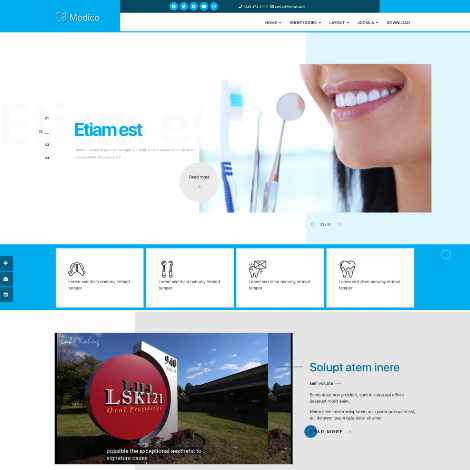
- Plantilla Joomla para clínicas dentales: diseñada para satisfacer las necesidades específicas de las clínicas dentales.
Plantilla Joomla para dentistas
- Compatibility: Joomla 6, 5, 4
- J 4
- J 5
- J 6
- Updated On: 03 Junio 2026
- Version: 4.3.7
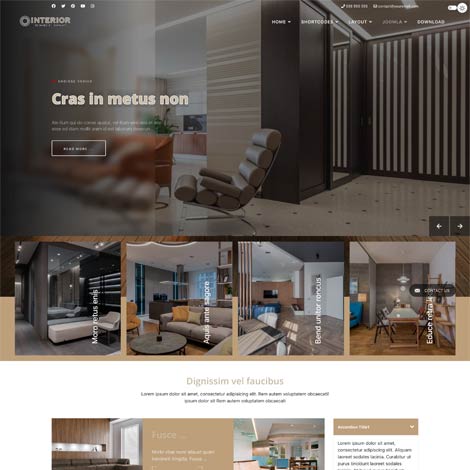
- Plantilla Joomla para diseño de interiores: transforma tu presencia online y facilita que los clientes aprecien tu trabajo y contraten tus servicios.
Plantilla Joomla para diseño de interiores.
- Compatibility: Joomla 6, 5, 4
- J 4
- J 5
- J 6
- Updated On: 05 May 2026
- Version: 4.4.1
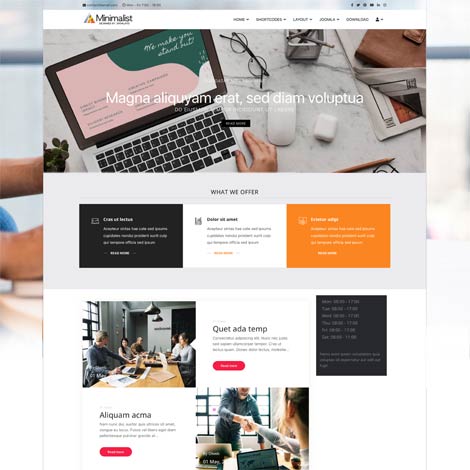
- Esta plantilla minimalista para Joomla está diseñada para ofrecer un diseño limpio, sencillo y moderno que se centra en la usabilidad y la claridad del contenido.
Plantilla Joomla para negocios, limpia y sencilla.
- Compatibility: Joomla 6, 5, 4
- J 4
- J 5
- J 6
- Updated On: 05 Abril 2026
- Version: 4.3.6
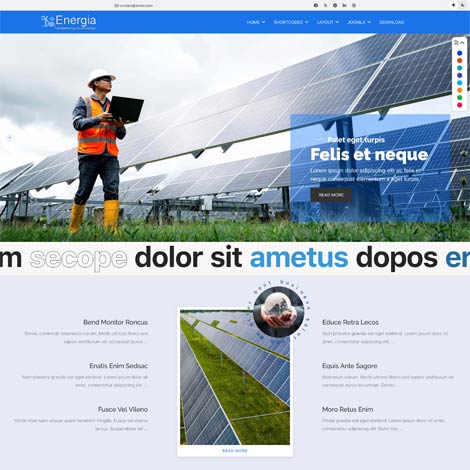
- Plantilla Energia para Joomla, diseñada específicamente para empresas del sector de la energía verde, la energía solar y las energías renovables.
Plantilla Joomla para energía solar y renovable.
- Compatibility: Joomla 6, 5, 4
- J 4
- J 5
- J 6
- Updated On: 05 Marzo 2026
- Version: 4.3.6
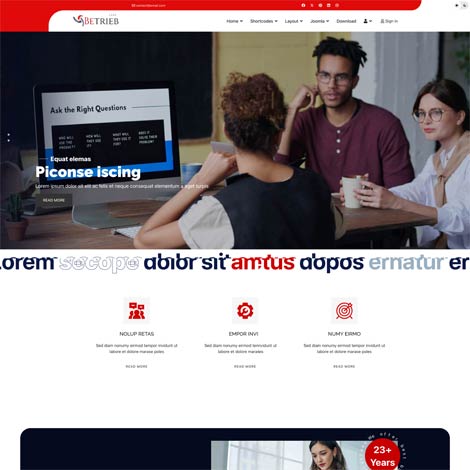
- La plantilla Joomla Betrieb está creada específicamente para seguros, seguros de salud, seguros de automóviles, seguros de hogar, agentes, finanzas, préstamos y todos los sitios web relacionados con compañías de seguros.
Plantilla Joomla para agencia de seguros
Extensiones Populares
- Compatibility: Joomla 6, 5, 4, 3
- J 3
- J 4
- J 5
- J 6
- Updated On: 27 Agosto 2026
- Version: 4.2.7
- El módulo de página agradable está diseñado para mostrar artículos o elementos personalizados con diseños atractivos. La configuración del módulo permite seleccionar la versión clara u oscura. Los estilos del uno al tres incluyen la función de paralaje y cambio de fondo, que cambia la página de clara a oscura o de oscura a clara al desplazarse..
Módulo Joomla

- Compatibility: Joomla 6, 5, 4, 3
- J 3
- J 4
- J 5
- J 6
- Updated On: 16 Septiembre 2026
- Version: 4.2.6
- El módulo News Slider muestra los artículos de Joomla de categorías seleccionadas con foto, categoría, fecha, título, información de texto y leer más.
Módulo Joomla

- Compatibility: Joomla 6, 5, 4, 3
- J 3
- J 4
- J 5
- J 6
- Updated On: 04 Septiembre 2026
- Version: 4.2.7
- Proteja el contenido contra la copia. Desactive la impresión y la copia del contenido de la página desactivando las funciones de clic derecho, arrastrar y copiar.
Módulo Joomla

- Compatibility: Joomla 6, 5, 4, 3
- J 3
- J 4
- J 5
- J 6
- Updated On: 06 Septiembre 2026
- Version: 4.2.8
- Mostrar fotos y texto de artículos (de una o varias categorías) en una línea de tiempo vertical u horizontal.
Módulo Joomla
- Compatibility: Joomla 6, 5, 4, 3
- J 3
- J 4
- J 5
- J 6
- Updated On: 28 Septiembre 2026
- Version: 4.2.7
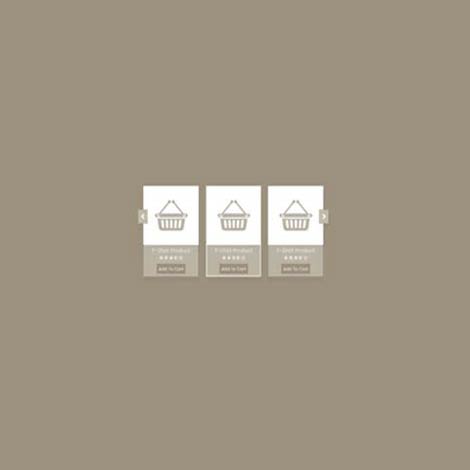
- Muestra los productos de tu tienda donde quieras en tu sitio web, de forma sencilla y elegante, con un carrusel que atraerá el interés de tus clientes. Incluye la función de añadir a la tarjeta con opciones emergentes de productos..
Módulo Joomla

- Compatibility: Joomla 6, 5, 4, 3
- J 3
- J 4
- J 5
- J 6
- Updated On: 01 Octubre 2026
- Version: 4.2.8
- Está diseñado para mostrar testimonios en una presentación de diapositivas..
Módulo Joomla

- Compatibility: Joomla 6, 5, 4, 3
- J 3
- J 4
- J 5
- J 6
- Updated On: 27 Agosto 2026
- Version: 4.2.9
- Muestra artículos de contenido de Joomla o elementos personalizados en un hermoso control deslizante de carrusel.
Módulo Joomla
Por qué Elija Olwebdesign
Con más de diez años de experiencia en el diseño de plantillas joomla, podemos ofrecerle una amplia variedad de productos profesionales.
Explore nuestra selección de plantillas de joomla profesionales y gratuitas y estamos seguros de que encontrará lo que está buscando. Si tiene alguna duda, póngase en contacto con nosotros y le ayudaremos.
Nuestras plantillas de Joomla tienen un aspecto distintivo y son muy fáciles de adaptar. Ya sea tableta, móvil o ordenador, todos pueden disfrutar de la experiencia completa que ofrece nuestra plantilla.
Creamos las mejores plantillas gratuitas de joomla y plantillas profesionales de joomla que son fáciles de usar. Todas las plantillas se pueden personalizar sin codificación.
Nuestras últimas plantillas están completamente construidas con HTML5, CSS3, incluyendo animaciones, PHP 7.0+, jQuery, efectos de paralaje y más.
Todas nuestras plantillas vienen con un instalador de demostración sql o un paquete joomla de inicio rápido. Siguiendo los pasos en la documentación de ayuda, la plantilla puede tener el mismo aspecto que la demostración.
Nuestro código de primer nivel y estructura de diseño te ayudarán a obtener la exposición de motor de búsqueda que te merece.
A Closer Look At Joomla Advanced Features
Joomla is a very powerful content management system used for website creation. It was developed in 2003. Now, it powers more than 2 million websites, holding the second position among content management systems, being second only to WordPress.
When you’re building an eCommerce website, Joomla should be the first solution that comes to mind. The CMS allows anyone to design a website. It’s no wonder many web design companies in New York and other tech-savvy areas praise Joomla for its ease of use, features and functionalities.
Joomla allows content translation to more than 70 languages. Many people use it because of the large community surrounding it. It’s fast, accessible and secure, which is why it has become a great choice for websites.
Joomla 4 is the latest update of the free, open-source content management system used for building and publishing websites and apps, including forums, galleries, e-commerce platforms, user communities and web-based applications.
The newest version includes updates and new features such as Bootstrap 5 integration, easy-to-install themes and extensive template libraries, improved command line interface and admin dashboard, the workflows feature, a new media manager, HTML email templates, smart search, better website security and website speed improvements.
Let’s find out more about what makes Joomla 4 tick, starting with the following features.
1. Support for Bootstrap 5 Integration
Bootstrap 5 is an extension framework for Joomla. It helps with the integration of HTML5 and CSS3 websites. If you’re a designer, you can customize it with your own animations and designs.
You can use Joomla to build blogs, e-commerce pages or sites with responsive features. All later versions will remain up-to-date with current Bootstrap versions. Now, Joomla prevents backward compatibility issues and conflicts with Bootstrap versions.
Bootstrap 5 has an improved grid system and an icon library, plus custom form controls for Joomla. It evolved past jQuery and Internet Explorer and adopted JavaScript standards.
Bootstrap’s usefulness for creating responsive and fast websites goes hand in hand with higher page ranking. Ever since Google announced that site loading speed matters for mobile indexing, it’s become an important metric to consider when creating websites.
2. Easy-to-install themes
Joomla has its own template library, and its themes are easy to use and install. All you have to do is find the template you want to use and download it. Then, you upload said template from the extension manager.
You can easily install Joomla to find some interesting options. Template examples include Splash, which suits e-commerce stores because of its interesting visuals, and Yummy, attractive for food-related sites. For fashion-related websites, you’ll find Trendz is a more useful template.
Every template you download has customizable elements. For example, menu templates, galleries or forms can be customized. You can navigate through menu options and a collection of layouts. And it’s easy for visitors to navigate through your website, too, because they can check out your products and services with ease.
3. A user-friendly admin dashboard
One of the perks of Joomla 4 is the new administrator dashboard created with site managers in mind. This tool helps administrators improve the site management experience without hassle.
In the Home Dashboard, you’ll find presets for admin modules. You can easily access the latest actions, you can see the logged-in users, and you can verify site information, notifications or system shortcuts.
You can also manage content on Joomla on user dashboards, components and menus. Each dashboard has a certain area you click on to customize the dashboard by adding modules.
4. The command line interface
With the newest update, Joomla expanded and improved the command line interface. There is now an easier way to update the CMS to integrate anything you need faster and to run tests without the need for a web dashboard.
You can use the commands to check for different feature updates. You can manage extensions, core updates, change your website from online to offline mode and vice versa or update the Joomla core, among other things.
5. The workflows feature
This new feature facilitates task management. It’s useful, especially for content writers. This feature allows you to set administrators and workflow stages for all CMS users.
Administrators can easily review content before it’s published. You can create groups and give them certain control levels. You can focus on giving someone approval rank for all content or certain content and you can choose who posts the blog.
The new permission system doesn’t require you to log in every time you want to access one form or another. You can access permissions with just a few clicks.
6. Email templates
A new feature Joomla added is the HTML mail template that you can customize. In previous CMS versions, you could only modify system emails by overriding custom language, and emails would send in plain text. Only when you used a third-party extension could you change the way your emails looked.
Now, you can modify emails straight from the Joomla core because the new templates allow you to change HTML formatting and text. These steps can help make your emails looks more professional.
You can also customize email templates in Joomla to look consistent with your website and brand.
7. New media manager
The Joomla 4 media manager includes a cleaner user interface and more editing features. The drag-and-drop and multi-files upload features allow you to upload more image files at once, making the entire process faster and easier.
You also have the option to edit images from the backend. The crop, rotate and resize options are basic but still an improvement.
8. Smart Search
Previous search features have been replaced by Joomla smart search, a feature that includes new options for the search index.
The active search index has a simple purpose. It automatically indexes content you add on the website, so you don’t need to index manually.
In addition, the smart search feature is able to filter searches and map content. It helps with publishing the search module on the website by using a module position, and it supports different filter selections.
9. Joomla 4 security
Thanks to the Joomla 4 update, your website can be more secure than ever. An efficiently-written code and features like support for SQL statements or security header management from within your website are indicatives of increased site protection.
There are also new tools for the core that help site integrators set headers. This feature allows more users to understand and set up basic defenses by default.
10. SEO and improved website speed
Joomla continues to accentuate and improve user experience on your Joomla-powered website. 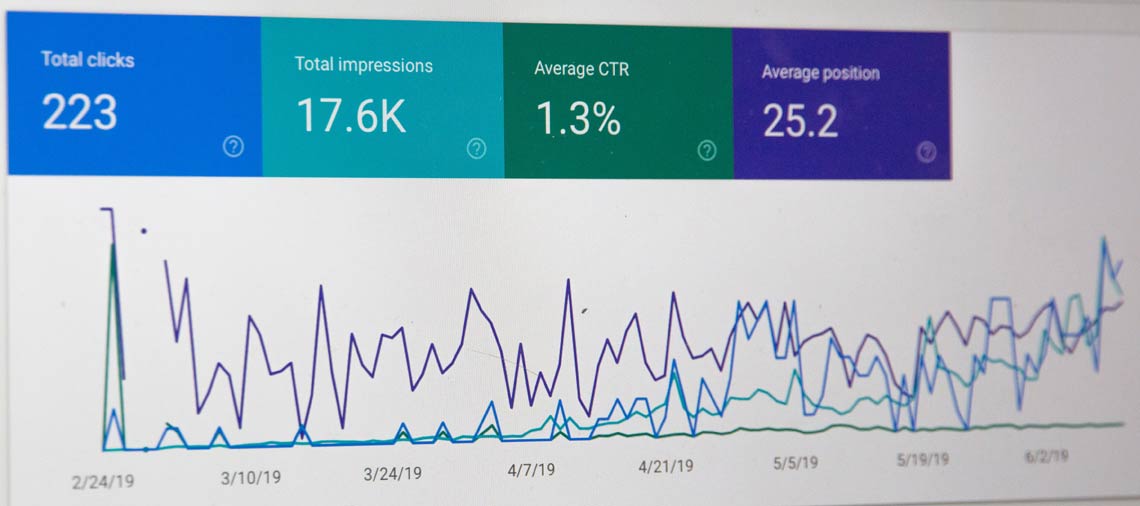
With SEO implemented in the website architecture, you can correct page structure without using extensions. Joomla’s features and benefits can help your website rank higher if you make improvements in your codebase.
There’s a built-in plugin for Lazy Load that you can enable to improve image loading time and, by extension, provide a better user experience. It can also help facilitate better organic rankings.
11. Joomla extensions
Apart from the classic themes found in Joomla’s portfolio, you can choose extensions to apply to your website. They perform tasks relevant to your website’s purpose. Here are some of the most useful and popular extensions available:
PaGO commerce extension
This extension is useful for marketers and developers. It’s easy to deploy and manage and has a modular structure.
It includes features useful for selling to global markets or mobile buyers, such as currency converters, a built-in shipping table, coupons, social integration, and discounts.
PaGo Commerce’s platform is PCI compliant; it performs well and can provide strong and lucrative software for your brand.
EShop
This extension includes advanced search options for users, which allows their search queries to get as close to your offering as possible.
EShop also has user-friendly visuals and layouts. Your visitors are able to see what’s in their cart and they get alerts for the products or services they’re interested in.
DigiCom
DigiCom is a useful extension for selling digital products. You can choose which add-ons to use and avoid implementing code you don’t actually need.
The drag-and-drop feature is an extension highlight. The extension offers a wide range of payment options, including credit cards, PayPal and Bitcoin.
Final thoughts
Joomla has some powerful features and new functionalities useful for website creation and management. It’s no wonder it’s one of the most popular open-source CMS on the market.
With an intuitive interface, easy-to-use features and flexibility for your users, Joomla’s new improvements make your website run smoothly right from inception. You can configure your site easily and, because it’s an open-source system, you can run add-ons without worry.
Joomla users who are not yet experts can benefit from and contribute to the development of this CMS.
It’s easy to install and configure, and it has a variety of extensions that take care of your professional needs. Plus, it allows you to choose which functions and features you want based on your business and your offering.
Use Joomla to create a unique website to reach your target audience and increase conversions.
¿Qué dicen nuestros clientes
Enlaces a sitios
Condiciones
Productos
Información de compra
Crea una cuenta, inicia sesión y compra la plantilla de tu elección. Después de la compra, la plantilla se puede descargar en 'Mis descargas'.
Tenemos Pago Seguro de Paypal con muchas monedas diferentes. Usted puede pagar directamente con su tarjeta de crédito a través de Paypal y NUNCA almacenar la información de su tarjeta en nuestro sitio.