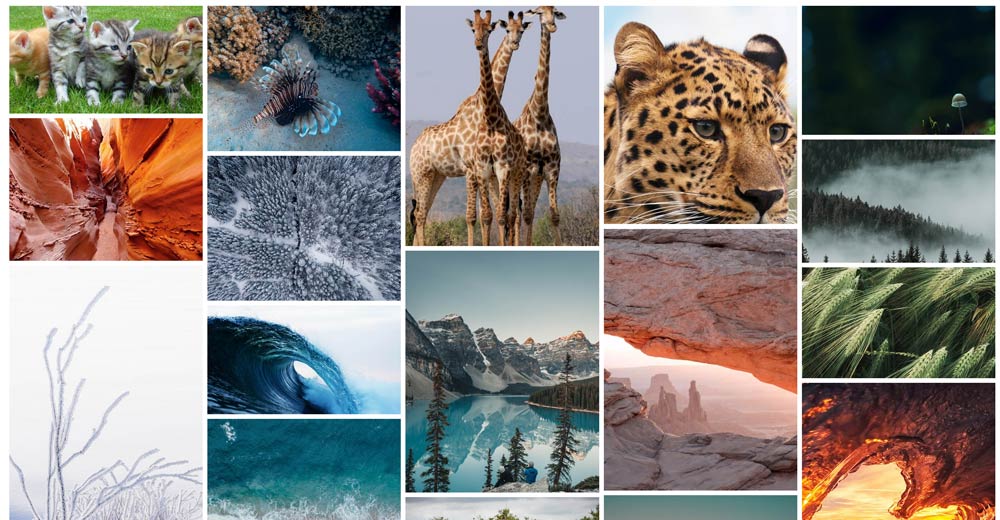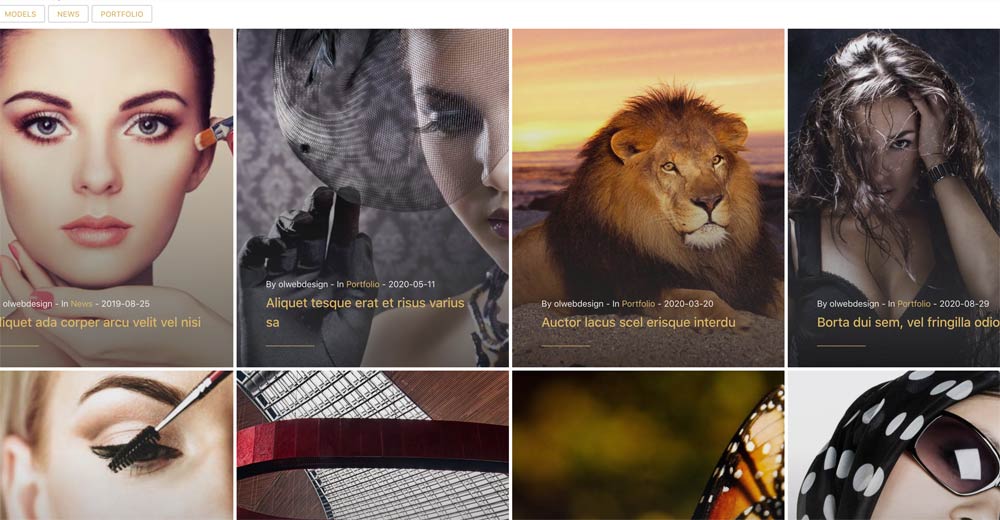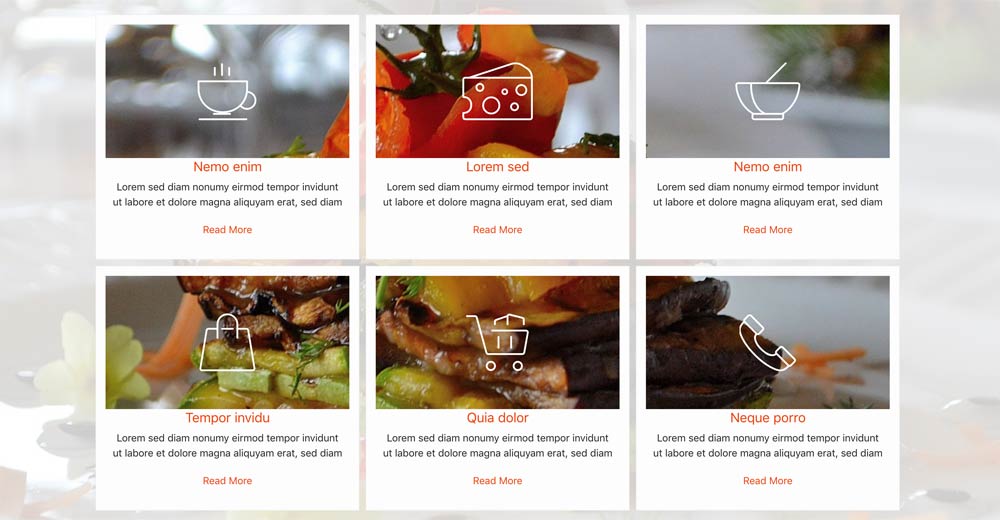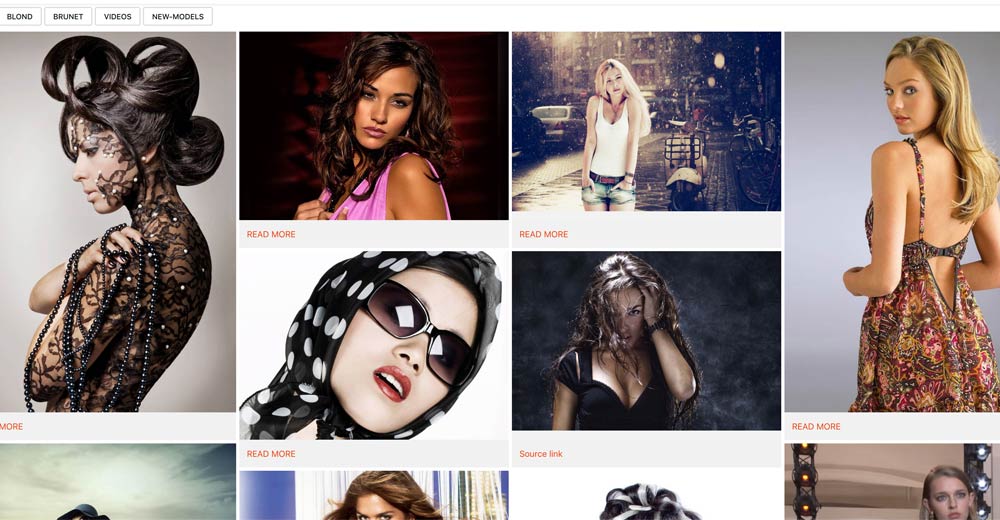
In Gallery are included four styles - Slider, Justified, Gallery and Isotope. Check demo Isotope with Tag filters custom items , Gallery no filters from folder , Justified style with white lightgallery , Slider style
Item source
- Folder - Custom Items
- Image order - alphabetical order / most recent first / random order
- Enable Thumbnails - Yes / No
- Crop Thumbnails - Crop / Fit
- Thumbnail width
- Thumbnail height
- Tag filters ( Only for Custom Items )
- For custom items available option - Image or video, filter, title, info, read more
General Settings
- Style gallery, Isotope or slider
- Columns ( 6, 5, 4, 3, 2, 1 )
- Isotope Style ( color / Zoom / Simple)
- Custom Color
- Items space ( three choices )
- Text Padding ( at your choice )
Gallery Settings
- Use popup gallery - Yes / No
- Transition Type - fade/slide
- Loop ( Yes / No )
- Download button ( Show / Hide )
- Thumbnail ( Show / Hide )
- Thumbnails by default ( Show / Hide )
- Autoplay ( Yes / No )
- Autoplay controls( Show / Hide )
- Time between transition ( your choice )
- Transition duration ( your choice )
- FullScreen ( Show / Hide )
- Zoom ( Show / Hide )
- Mousewheel ( Yes / No )
- Share ( Show / Hide )
Slider settings
- Items - one to ten
- Items (Tab Landscape) - one to ten
- Items (Tab Portrait) - one to ten
- Items (Mob Landscape) - one to ten
- Items (Mob Portrait) - one to ten
- Items center ( Yes / No )
- Sliding Time
- Sliding Speed
- Auto play ( Yes / No )
- Auto play hover pause ( Yes / No )
- Loop ( Yes / No )
- Show arrows ( Yes / No )
- Arrows style ( top / bottom / center )
- Navigation style ( light / dark )
- Navigation button rounded ( Yes / No )
- Item distance