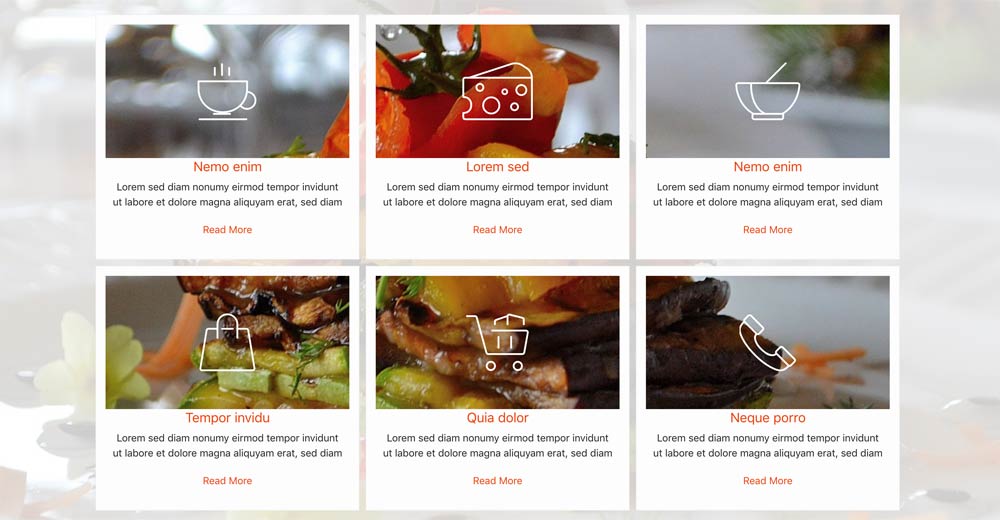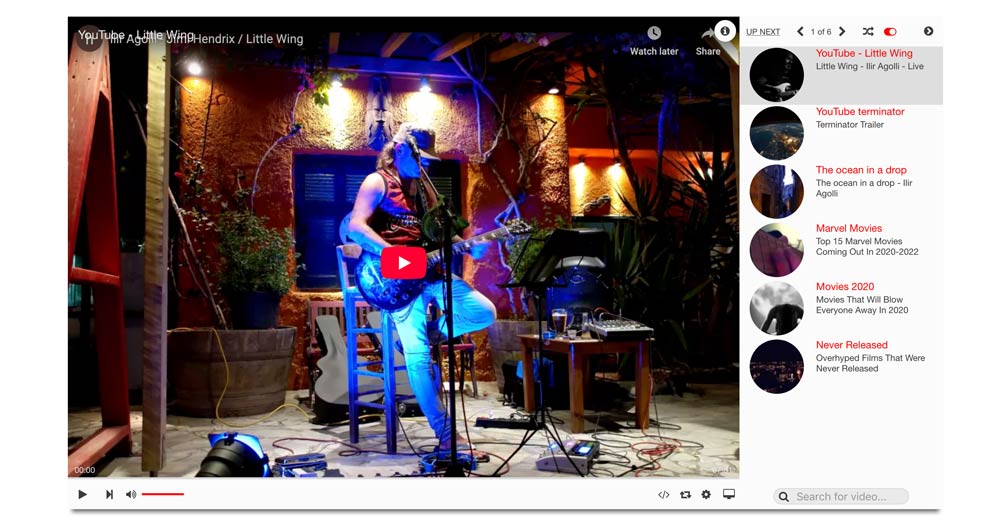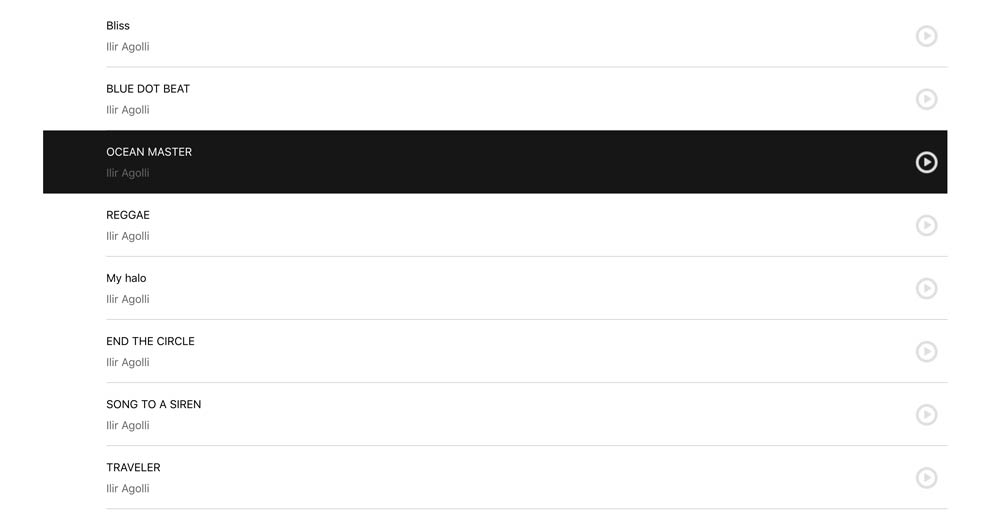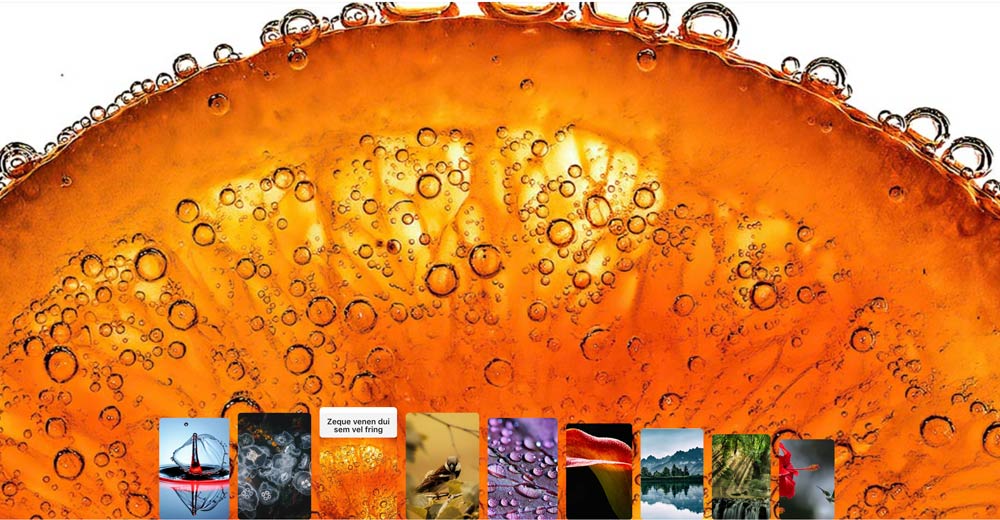
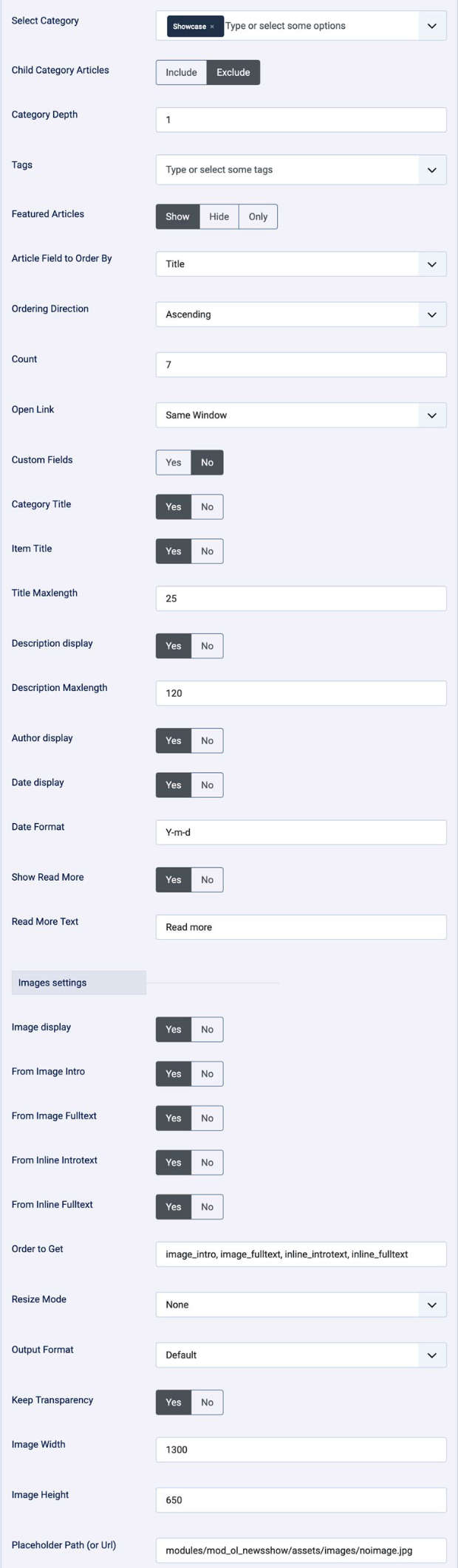
This module allows you to filter content by category, child categories, tags, and featured status, ensuring that your audience sees the most relevant information. With four distinct layouts available, you can choose the presentation style that best fits your website's design and your content goals.
General settings
- Style - Style one / Style two / Style three / Style four
- Thumbs area width (for style two and style four)
- Text info - Over Image / Below Image (for style three only)
- Height Slick Show (for style four only)
- Custom Color
- Load JQuery - Yes / No
Data Source:
Articles
- Select Category
- Child Category Articles
- Category Depth
- Featured Articles
- Article Field to Order By
- Ordering Direction
- Count
- Open Link
- Articles custom Fields - Yes / No
- Category Title - Yes / No
- Item Title - Yes / No
- Title Max length
- Tags display - Yes / No
- Number Of Tags
- Tags position - Top / Bottom
- Description display - Yes / No
- Description Max length
- Date display - Yes / No
- Show Read More - Yes / No
- Images settings
- From Image Intro - Yes / No
- From Image Full text - Yes / No
- From Inline Intro text - Yes / No
- From Inline Full text - Yes / No
- Order to Get
- Resize Mode - `None` - `Center` - `Fill` - `Fit` - `Stretch`
- Image Width
- Image Height
- Placeholder Path (or Url)
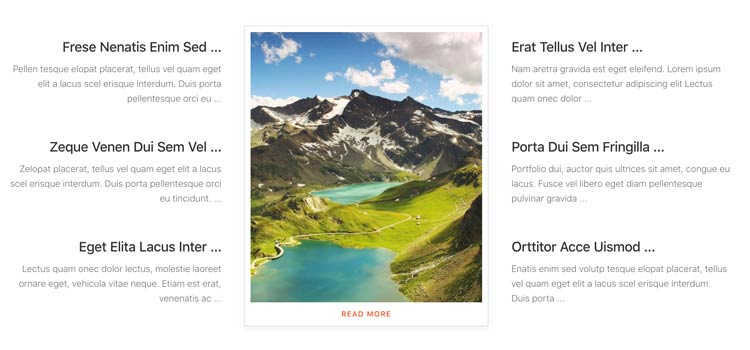
Style One - Tabbed news show
- Article titles and short descriptions appear in a navigation list.
- Selecting an item changes the large image and its Read More link.
- The first item is active when the module loads.
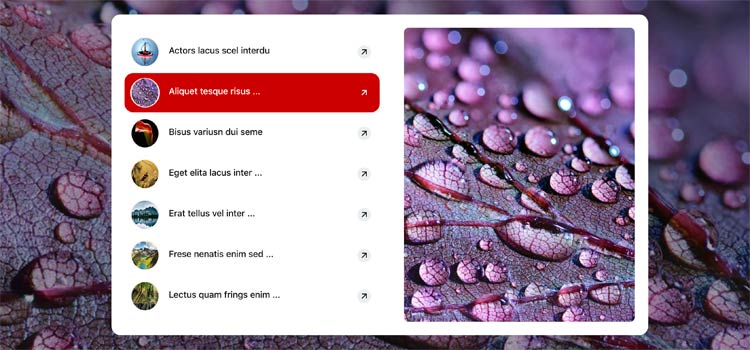
Style Two - Hover image list
- Articles appear as a vertical list with thumbnails.
- Hovering or selecting an item changes the large background image.
- The thumbnail area width is controlled by "Thumbs area width".
Style Three - Article image card
- Articles are displayed as image-led items with title, description, and Read More link.
- Text can be placed over the image or below it using "Text info".


Style Four - Animated hero gallery
- A large image hero uses the selected articles as its image collection.
- The category title and category link are shown in the hero area.
- On large screens, hovering thumbnails changes the hero image and animates the gallery.
- On smaller screens, the images use a touch-friendly Swiper slider.
- "Thumbs area width" and "Height Slick Show" control the gallery dimensions.