


Nuestro equipo especializado responderá a cualquier pregunta o consulta que puedes tener en manera rapida y completa.
Plantillas profesionales de joomla premium y gratis
Las mejores plantillas joomla 3.9
Creamos las mejores plantillas de Joomla para darte todo lo que necesitas para crear tu propio sitio web tan único como tú.

- Compatibility: Joomla 6, 5, 4, 3
- J 3
- J 4
- J 5
- J 6
- Updated On: 02 Octubre 2026
- Version: 5.3.5
- Plantilla Joomla de noticias creada con periódicos en línea, noticias en línea, agencias de noticias y sitios web de portales.
Plantilla Joomla de noticias
- Compatibility: Joomla 6, 5, 4, 3
- J 3
- J 4
- J 5
- J 6
- Updated On: 17 Septiembre 2026
- Version: 5.3.6
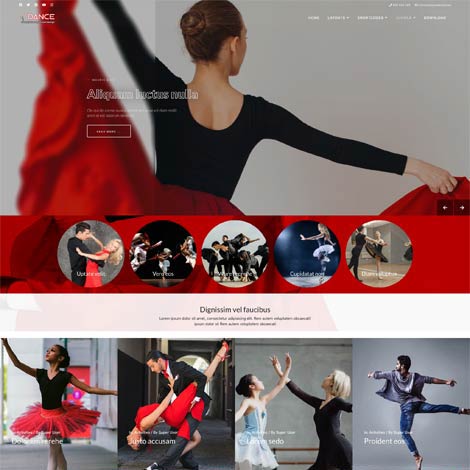
- Plantilla Joomla Dance es la solución ideal para sitios web relacionados con clases de baile, ballet, baile contemporáneo, clubes latinos y de salsa, hip-hop, street dance, estudio de yoga y cualquier tipo de clubes de baile.
Ol Dance Plantilla Joomla
- Compatibility: Joomla 6, 5, 4, 3
- J 3
- J 4
- J 5
- J 6
- Updated On: 02 Octubre 2026
- Version: 5.3.5
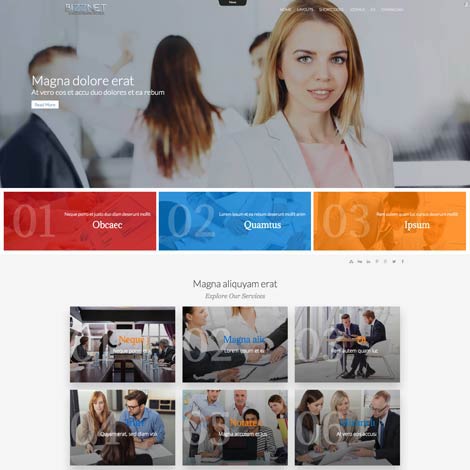
- Ol Bizznet es una plantilla moderna que se adapta para crear un sitio web de empresa. Esta plantilla será un gran aliado para empresas, agencias comerciales y digitales, start-ups, asesores financieros y empresas que quieren sitios web modernos e intuitivos. Es totalmente adaptativo y se adapta a cualquier tipo de navegador y resolución de pantalla.
Plantilla de Asesor Financiero
- Compatibility: Joomla 6, 5, 4, 3
- J 3
- J 4
- J 5
- J 6
- Updated On: 02 Octubre 2026
- Version: 5.3.5
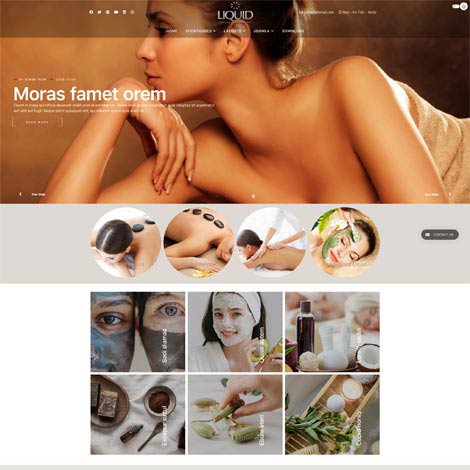
- Ol liquid Joomla Plantilla especialmente diseñada para salón de belleza, salón de spa, cuidado de la belleza, peluquería, centro de masajes, fisioterapia, centro de bienestar, cosmética y tratamiento.
Plantilla Joomla para salón de belleza
- Compatibility: Joomla 6, 5, 4, 3
- J 3
- J 4
- J 5
- J 6
- Updated On: 02 Octubre 2026
- Version: 5.3.5
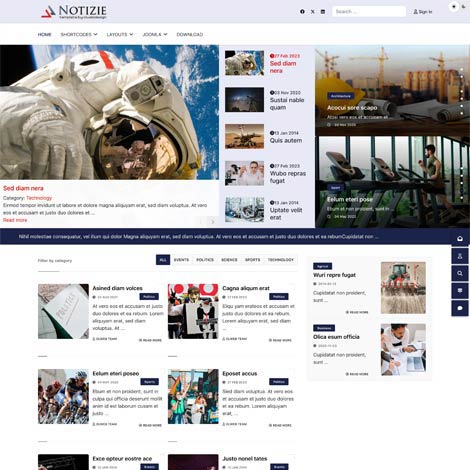
- Notizie es una plantilla Joomla perfecta para sitios web de noticias, blogs, revistas, periódicos y publicaciones. Cree un excelente sitio web de noticias con la plantilla Joomla Notizie
Plantilla Joomla para noticias de periódicos
- Compatibility: Joomla 6, 5, 4, 3
- J 3
- J 4
- J 5
- J 6
- Updated On: 02 Octubre 2026
- Version: 5.3.5
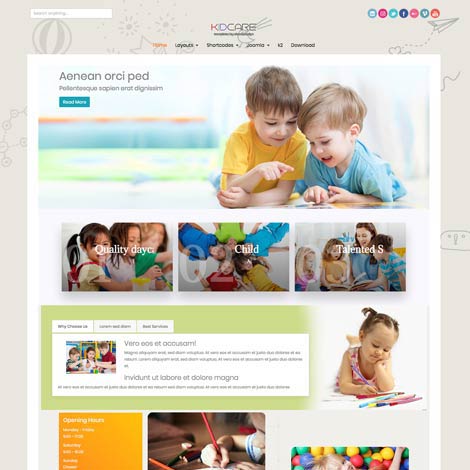
- Ol Kidcare: plantilla Joomla de guarderías diseñada para sitios web relacionados con niños como colegios, cuidado de niños, guarderías, preescolares, escuelas infantiles y todas las instalaciones para niños pequeños. Construido con Bootsrap 5, esta hermosa plantilla de guarderías para Joomla puede ajustarse fácilmente de acuerdo a tus necesidades y puede utilizarse para muchos propósitos. La configuración de plantillas te permite una personalización rápida y sencilla del fondo y los colores del texto, cambiar el diseño del sitio web, etc. Es una plantilla perfecta para crear sitios web de guarderías y colegios en cuestión de segundos.
Plantilla Joomla para jardín de infantes y guarderías

- Compatibility: Joomla 6, 5, 4, 3
- J 3
- J 4
- J 5
- J 6
- Updated On: 22 Julio 2026
- Version: 5.3.3
- La plantilla Ol Yotex es adecuada para sitios web de educación infantil como guarderías y escoletas. Esta plantilla cuenta con varias características que harán que sea fácil crear tu propio sitio web para escoletas.
Plantilla Joomla para escoletas
Las Plantillas Joomla mas recientes

- Compatibility: Joomla 6, 5, 4
- J 4
- J 5
- J 6
- Updated On: 10 Septiembre 2026
- Version: 4.3.7
- Costruzione plantilla de Joomla puede ofrecer a su empresa las herramientas necesarias para atraer clientes y mostrar sus proyectos de manera eficaz.
Plantilla de Joomla para construcción.
- Compatibility: Joomla 6, 5, 4
- J 4
- J 5
- J 6
- Updated On: 02 Agosto 2026
- Version: 5.1.1
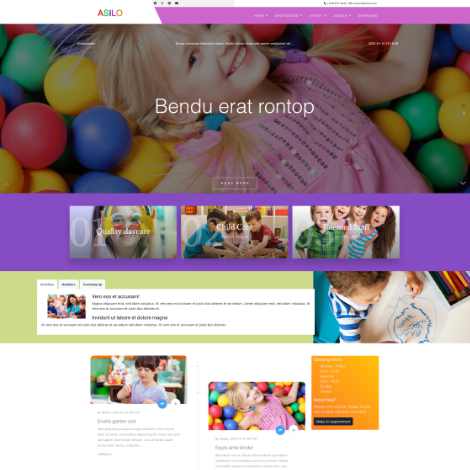
- Tu jardín de infancia necesita una página web atractiva, y nuestra plantilla Asilo para Joomla te ayudará a crearla.
Plantilla Joomla para jardín de infancia.
- Compatibility: Joomla 6, 5, 4
- J 4
- J 5
- J 6
- Updated On: 09 Julio 2026
- Version: 5.2.2
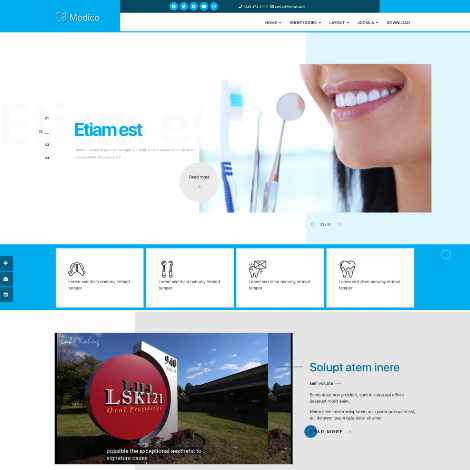
- Plantilla Joomla para clínicas dentales: diseñada para satisfacer las necesidades específicas de las clínicas dentales.
Plantilla Joomla para dentistas
- Compatibility: Joomla 6, 5, 4
- J 4
- J 5
- J 6
- Updated On: 03 Junio 2026
- Version: 4.3.7
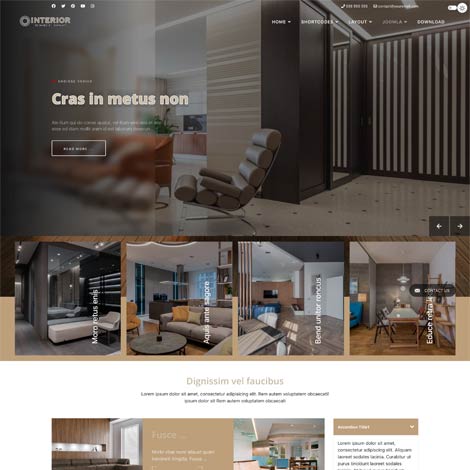
- Plantilla Joomla para diseño de interiores: transforma tu presencia online y facilita que los clientes aprecien tu trabajo y contraten tus servicios.
Plantilla Joomla para diseño de interiores.
- Compatibility: Joomla 6, 5, 4
- J 4
- J 5
- J 6
- Updated On: 05 May 2026
- Version: 4.4.1
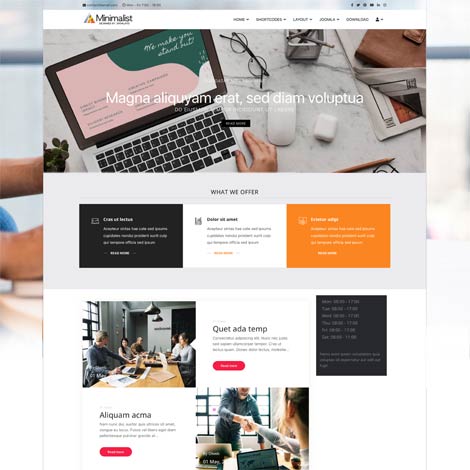
- Esta plantilla minimalista para Joomla está diseñada para ofrecer un diseño limpio, sencillo y moderno que se centra en la usabilidad y la claridad del contenido.
Plantilla Joomla para negocios, limpia y sencilla.
- Compatibility: Joomla 6, 5, 4
- J 4
- J 5
- J 6
- Updated On: 05 Abril 2026
- Version: 4.3.6
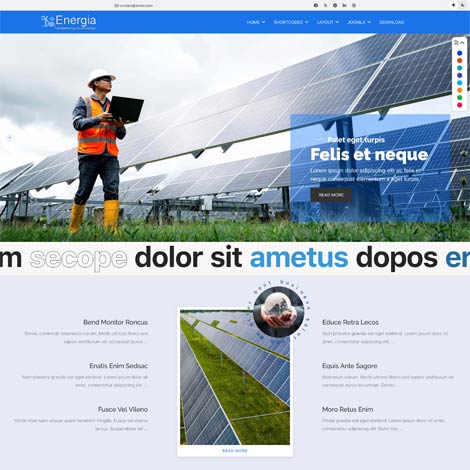
- Plantilla Energia para Joomla, diseñada específicamente para empresas del sector de la energía verde, la energía solar y las energías renovables.
Plantilla Joomla para energía solar y renovable.
- Compatibility: Joomla 6, 5, 4
- J 4
- J 5
- J 6
- Updated On: 05 Marzo 2026
- Version: 4.3.6
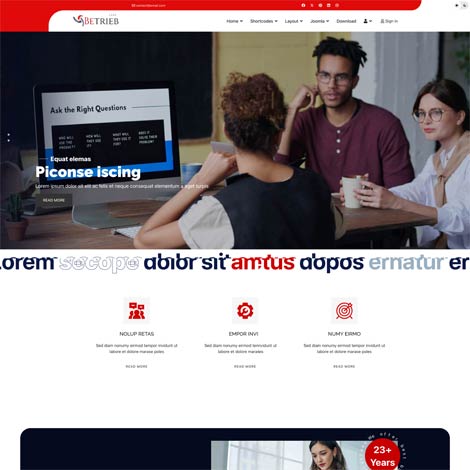
- La plantilla Joomla Betrieb está creada específicamente para seguros, seguros de salud, seguros de automóviles, seguros de hogar, agentes, finanzas, préstamos y todos los sitios web relacionados con compañías de seguros.
Plantilla Joomla para agencia de seguros
Extensiones Populares
- Compatibility: Joomla 6, 5, 4, 3
- J 3
- J 4
- J 5
- J 6
- Updated On: 27 Agosto 2026
- Version: 4.2.7
- El módulo de página agradable está diseñado para mostrar artículos o elementos personalizados con diseños atractivos. La configuración del módulo permite seleccionar la versión clara u oscura. Los estilos del uno al tres incluyen la función de paralaje y cambio de fondo, que cambia la página de clara a oscura o de oscura a clara al desplazarse..
Módulo Joomla

- Compatibility: Joomla 6, 5, 4, 3
- J 3
- J 4
- J 5
- J 6
- Updated On: 16 Septiembre 2026
- Version: 4.2.6
- El módulo News Slider muestra los artículos de Joomla de categorías seleccionadas con foto, categoría, fecha, título, información de texto y leer más.
Módulo Joomla

- Compatibility: Joomla 6, 5, 4, 3
- J 3
- J 4
- J 5
- J 6
- Updated On: 04 Septiembre 2026
- Version: 4.2.7
- Proteja el contenido contra la copia. Desactive la impresión y la copia del contenido de la página desactivando las funciones de clic derecho, arrastrar y copiar.
Módulo Joomla

- Compatibility: Joomla 6, 5, 4, 3
- J 3
- J 4
- J 5
- J 6
- Updated On: 06 Septiembre 2026
- Version: 4.2.8
- Mostrar fotos y texto de artículos (de una o varias categorías) en una línea de tiempo vertical u horizontal.
Módulo Joomla
- Compatibility: Joomla 6, 5, 4, 3
- J 3
- J 4
- J 5
- J 6
- Updated On: 28 Septiembre 2026
- Version: 4.2.7
- Muestra los productos de tu tienda donde quieras en tu sitio web, de forma sencilla y elegante, con un carrusel que atraerá el interés de tus clientes. Incluye la función de añadir a la tarjeta con opciones emergentes de productos..
Módulo Joomla

- Compatibility: Joomla 6, 5, 4, 3
- J 3
- J 4
- J 5
- J 6
- Updated On: 01 Octubre 2026
- Version: 4.2.8
- Está diseñado para mostrar testimonios en una presentación de diapositivas..
Módulo Joomla

- Compatibility: Joomla 6, 5, 4, 3
- J 3
- J 4
- J 5
- J 6
- Updated On: 27 Agosto 2026
- Version: 4.2.9
- Muestra artículos de contenido de Joomla o elementos personalizados en un hermoso control deslizante de carrusel.
Módulo Joomla
Por qué Elija Olwebdesign
Con más de diez años de experiencia en el diseño de plantillas joomla, podemos ofrecerle una amplia variedad de productos profesionales.
Explore nuestra selección de plantillas de joomla profesionales y gratuitas y estamos seguros de que encontrará lo que está buscando. Si tiene alguna duda, póngase en contacto con nosotros y le ayudaremos.
Nuestras plantillas de Joomla tienen un aspecto distintivo y son muy fáciles de adaptar. Ya sea tableta, móvil o ordenador, todos pueden disfrutar de la experiencia completa que ofrece nuestra plantilla.
Creamos las mejores plantillas gratuitas de joomla y plantillas profesionales de joomla que son fáciles de usar. Todas las plantillas se pueden personalizar sin codificación.
Nuestras últimas plantillas están completamente construidas con HTML5, CSS3, incluyendo animaciones, PHP 7.0+, jQuery, efectos de paralaje y más.
Todas nuestras plantillas vienen con un instalador de demostración sql o un paquete joomla de inicio rápido. Siguiendo los pasos en la documentación de ayuda, la plantilla puede tener el mismo aspecto que la demostración.
Nuestro código de primer nivel y estructura de diseño te ayudarán a obtener la exposición de motor de búsqueda que te merece.
Advanced Joomla Security: Protecting Against SQL Injection Attack
Mark Twain once stated, "In life, we can only be sure of two things: death and taxes." Similarly, in the realm of web security, two undeniable truths emerge: It's not a matter of "if you'll face an attack," but rather "when and how" your website will be exploited.
Various forms of attacks pose potential threats to your Joomla! site, including CSRF, Buffer Overflows, Blind SQL Injection, Denial of Service, and yet-to-be-discovered vulnerabilities. All of these can jeopardize your site's security. When it comes to safeguarding your Joomla! site, it's essential to stay vigilant and consider enlisting the help of managed IT services Chicago for added protection and peace of mind.
SQL Injection: The Danger it Poses for Joomla
The danger posed by SQL Injection is profound. Among the arsenal of hacking techniques, SQL Injection stands as one of the most perilous. Through this malicious tactic, an attacker can swiftly obliterate not just a table but an entire database using a straightforward command executed via your website. In the contemporary landscape, it is absolutely unacceptable for any website to exhibit a vulnerability to SQL Injection, given that security professionals have been sounding the alarm about this threat for at least a decade. Addressing SQL Injection is a recognized and extensively documented procedure.
What is SQL injection?
SQL injection involves the insertion of harmful SQL code by a malicious actor into the input fields of your web application, including forms, URLs, or cookies. They aim to execute this code on your database server, potentially leading to data theft, corruption, or deletion, along with unauthorized access, privilege escalation, or code execution. Any web application utilizing a relational database, such as Joomla, can be susceptible to SQL injection.
How to Protect Joomla Websites Against SQL Injection Attacks
Alter the default database prefix
Modifying the default database prefix offers an effective countermeasure against SQL injections, a favored tactic employed by malicious actors to acquire super administrator privileges. While Joomla's latest versions implement this during the initial setup, the steps below elucidate the process of changing the default database prefix for pre-existing installations and provide insight into accessing the Joomla! database directly.
- Log into your Joomla! backend and navigate to the global configuration.
- Locate the database option and substitute the default database prefix with a randomly generated one.
- Now, utilize phpMyAdmin to access your database and export the default configurations.
- Highlight and copy all the code from the exported information to a notepad.
- Next, access phpMyAdmin once more and delegate the existing data.
- Proceed to substitute 'jos_' with your newly designated database prefix within the notepad.
- Copy the modified code and execute the queries within your SQL section in phpMyAdmin.
Other Security Measures to Consider Against Joomla Vulnerabilities
Maintain Your Joomla Website's Updates
Keeping your Joomla website up-to-date is crucial for both security and stability. Not all updates involve full site version upgrades; some are minor, consisting of bug fixes, while others are version updates.
Joomla boasts a dedicated security team renowned for promptly releasing patches. Neglecting to apply these patches to your Joomla website can leave it vulnerable to potential security breaches.
To check for updates, follow these steps:
1: Log-in to your Joomla site as an administrator.
2: Navigate to Components > Joomla Update.
Step 3: Joomla will then check for available updates. If a new update is detected, simply click on the "Install the Update" option.
Before updating to a newer Joomla version, consider the following:
Template Updates: Verify if your Joomla templates are compatible with the latest Joomla version. If not, either request the template author to update it or consider an alternative template.
Extension Updates: Review and confirm that all your Joomla extensions are compatible with the updated Joomla version. Remove any extensions that aren't compatible. To update extensions, navigate to Extensions > Manage and click on the update option.
Cache Clearance: After updating to a newer Joomla version, clear the cache on your Joomla site. You can accomplish this using Joomla's built-in cache clearing functionality.
Selecting Wise Usernames and Passwords
When it comes to choosing your Joomla admin usernames and passwords, exercise prudence. Avoid utilizing "admin" as your username and opt for a complex password. Interestingly, this is among the most effective methods to bolster your Joomla security, and paradoxically, it's one of the simplest.
Employing a strong password is imperative for robust Joomla security. Ensure that your login password possesses sufficient length (between 8 to 14 characters) and includes a combination of letters, numbers, and symbols. Remember that passwords are case-sensitive, so incorporating both uppercase and lowercase letters adds an extra layer of strength. Additionally, it's advisable to establish a routine of changing admin passwords at least once a month.
Utilize Secure FTP Connections
Ensure that the connections used for accessing your Joomla website files are secure. If your hosting service supports it, opt for SFTP encryption or SSH. In case you use an FTP client, note that the default port for SFTP is typically 22.
Some of the FTP clients store passwords in plain text or encode them on your computer, with some encoded passwords being reversible. We strongly recommend against saving FTP passwords within the client to mitigate the risk of hacking.
Limit Access to the Joomla Admin Backend
Prudent restriction of access to the Joomla admin backend is essential, given its sensitive nature. You can achieve this by implementing IP filtering, and the same can be applied to other critical Joomla directories following these steps:
1: Begin by creating a .htaccess file if it's not already present in the directory you intend to safeguard.
2: Insert the following code into the .htaccess file:
Order Deny, Allow
Deny from all
Allow from xx.xx.xx.xx
3: Replace "xx.xx.xx.xx" with the specific IP address from which you wish to permit access.
Consider employing security extensions that offer IP filtering capabilities to restrict access to the Joomla admin backend, along with other features that enhance your Joomla website's security.
Conclusion
As there will forever be a level of risk, the ongoing nature of Joomla security necessitates regular evaluation of potential attack vectors. Website proprietors and administrators must consistently enhance their website security to minimize the likelihood of a breach.
Ultimately, we trust that you discover this article pragmatic and beneficial. If you require assistance in fortifying your Joomla website, please feel free to share your inquiries in contact form, and we will gladly provide our assistance.
¿Qué dicen nuestros clientes
Enlaces a sitios
Condiciones
Productos
Información de compra
Crea una cuenta, inicia sesión y compra la plantilla de tu elección. Después de la compra, la plantilla se puede descargar en 'Mis descargas'.
Tenemos Pago Seguro de Paypal con muchas monedas diferentes. Usted puede pagar directamente con su tarjeta de crédito a través de Paypal y NUNCA almacenar la información de su tarjeta en nuestro sitio.